


AI is growing faster within every organization than anyone can map it. Most leaders have hardly any idea what people are using, building and vibe coding internally: some sales agents doing company research, a model screening CVs for new applicants, and coding tools secretly collecting a little too much data from repo’s. What should make organisations uncomfortable is NOT knowing what happens, because: You can only govern what you can see.
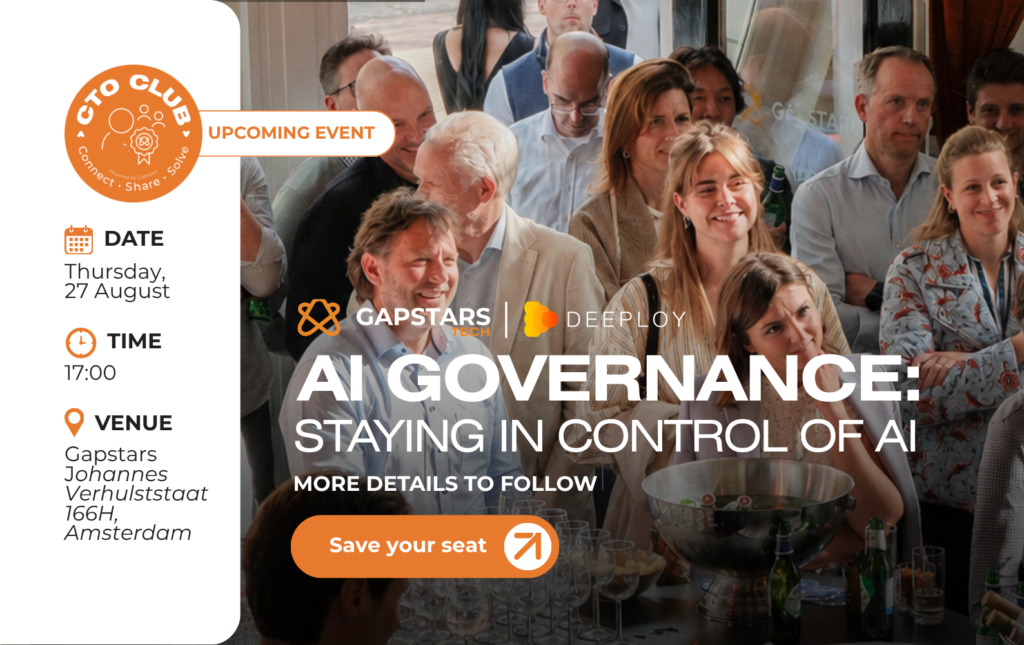
While setting up enterprise-grade AI governance is complex, you don’t need to wait for the big program to get moving. There are 5 no-regret moves that will help you get grip and control of your AI internally. We’ll dive deeper into this topic at the our CTO Club session the 27th of August, 2026, together, but hey, why not share them upfront to get you going?
1. Classify by Risk
Almost every AI policy, framework and law is risk-based. So start by setting up a workflow for each AI use case to evaluate your AI risk exposure by working through these impact questions:
- What’s the intended use?
- Who is the intended user?
- How could it be misused and how to prevent that?
- What is the impact on individuals or society (if it goes wrong)?
To help you further with classification, you can fill in Deeploy’s 5-minute risk self-assessment tool or check the risk frameworks by MIT FutureTech or Google Deepmind to help you classify the impact of your risks
For example, the AI Act provides a list of high risk systems, and has criteria for limited risk. Define one to use for your registry (step 2) and control framework (step 3). Your sales agent might be low risk (depending on use and the type of data it uses), while your credit risk scoring agent is high risk right-away.
2. Setup an AI registry
Nothing worse than not knowing what’s running across the org. Setting up an AI registry, listing all your internal AI and agents and AI brought by external vendors is the second step to get grip and control. Preferably, you connect such an AI registry with the most important AI platforms, like Claude, OpenAI or Bedrock, so that any new AI system is automatically added to the AI registry, without further work needed on your side. The AI register should at least contain:
- Name of the use case
- Description
- Owner
- Risk level
- Lifecycle stage: exploration -> development -> validation -> production -> retirement
3. Define a Control Framework
Registering also means documenting certain steps. This can be done by defining a control framework, with the controls you’d like to enable per use case. You could follow established ones, like ISO 42001, NIST AI RMF or the high risk articles of the AI Act, or define one yourself. Best is to make this dependent on lifecycle stage, risk level and your role (are you providing an AI system, or just deploying?)
- Define a list of controls
- When are these controls applicable? (Lifecycle, risk level, role…)
- Define when to validate again? ( Yearly, quarterly…)
Showing a working control framework will prove that you are in control of the AI in your company while having a way to continuously improve for safety.
4. Evaluate, monitor and alert
You can document and register all you like, but without proper evaluations, monitoring, and alerts, you don’t know how your AI systems are actually behaving. What this looks like differs per type of AI system. Predictive models, generative AI applications, and agents each need a different approach. Consider the following practices:
- Evaluations: For predictive AI, you can design evaluations close to traditional unit tests in software engineering: fixed inputs, expected outputs, clear pass/fail. For generative and agentic use cases, designing effective evaluations is a different story. The starting point is a test set of realistic tasks, because without one there is nothing to evaluate against. From there, one of the most important choices is what your evals rely on: deterministic code, model-based evaluations (LLM-as-judge), humans, or a combination. Each comes with trade-offs. Code-based evals are cheap and reliable, but only cover outcomes you can check programmatically. LLM-as-judge scales to fuzzy criteria like tone or helpfulness, but the judge itself needs validation. Human evaluation is the most trustworthy option, but doesn’t scale. Check out this useful guide from Anthropic for a detailed look at evals for agents.
- Monitoring & alerting: For predictive AI, monitoring and alerting can be standardised, for example by measuring performance and drift. For agentic use cases, effective monitoring is often achieved by tracing agentic interactions with users and their environment. For proactive alerting, you need to know what you are looking for. Examples are specific (high-risk) tool calls, unexpected tool-call sequences, guardrail triggers, task failure rates, human override rates, latency, and the number of tokens consumed, which is both a cost signal and a way to catch runaway loops. Evaluations shouldn’t stop at deployment either. By sampling production traffic through the same eval suite (online evals) and comparing the results against your offline benchmark, you can detect drift between how the system performed in testing and how it behaves in the real world. Under the EU AI Act, this kind of on-going post-market monitoring is an obligation for deployers, not just good practice.
In all of this, the role of humans should not be underestimated, for two distinct reasons:
- Accountability: responsibility for actions performed and decisions made ultimately lies with humans. Placing a human in the loop prevents accountability gaps, and for high-risk systems under the EU AI Act, effective human oversight (Article 14) is a legal requirement. This also connects back to documentation and registration: you can only demonstrate oversight if it is designed in and logged.
- Quality: A human can only meaningfully assess a model’s output when given enough context. Think of (RAG) references for generated text, reasoning traces for agents, or better yet, explanations showing what was important for the model to get to a certain output. A human who approves outputs without context adds little oversight.
Finally, humans don’t scale. Decide deliberately where to place them: pre-action approval for high-risk, irreversible actions (payments, sending communications, changing records), and sampled post-hoc review for everything else. Both feed back into your evals and monitoring, since human corrections are a valuable signal.
5. Guardrailing
When alerting after the fact is not enough and the impact of specific instructions or model actions should be prevented, guardrailing is the control you are looking for. One of the most realistic risks users are exposed to is prompt injection, where malicious instructions reach the model through numerous sources: uploaded documents, retrieved web pages, or in coding agents even branch and commit names.
Guardrails can act on the input side (blocking or sanitising instructions before they reach the model), on the output side (filtering responses before they reach the user), and on actions (restricting which tools an agent can call and with which parameters). For selecting the right guardrail to prevent a specific user or model action, you can again choose between deterministic guardrails and model-based ones. Deterministic guardrails, such as regex filters, allowlists, and hard limits on tool parameters, are fast and predictable, but only catch what you anticipated. Model-based guardrails, such as classifiers for injection attempts or unsafe content, catch semantic variations, but add latency and can themselves be wrong in both directions. In practice you want layers: cheap deterministic checks first, model-based checks for what slips through, and, as described below, a human for what no automated check should decide alone.
Note that guardrails are systems too. Evaluate them before deployment and monitor how often they trigger in production, since both a silent guardrail and a constantly firing one are signals that something is off.
The end result of the steps above should give you the control you need in early stages. A registry, risk frameworks and the technical controls.
We can imagine that the steps above are something you’re already doing to a certain extent in other tools, and that’s all good. Tools like Deeploy sits right on top of AI systems, with built-in integrations to let AI register itself, while monitoring, alerting and guardrails come out of the box.
Join the conversation for more
If you are a tech leader, join us, on the 27th of August, 2026 together with Gapstars, to talk about keeping control of AI, building AI governance to scale AI responsibly.
Reserve your seat here:
FAQ
Start by evaluating each AI use case against four questions: what's the intended use, who's the intended user, how could it be misused, and what's the impact if it goes wrong. Most AI laws and frameworks, including the EU AI Act, are risk based, so this classification becomes the foundation for your registry and controls.
An AI registry should list every internal and vendor AI system with its use case name, description, owner, risk level, and lifecycle stage. Connecting it to platforms like Claude, OpenAI, or Bedrock lets new systems register automatically. Many teams find the bottleneck isn't the tooling but having someone dedicated to own and maintain it. Gapstars places specialized nearshore talent for exactly this kind of ongoing governance ownership.
Deterministic guardrails, such as regex filters, allowlists, and hard parameter limits, are fast and predictable but only catch what you've explicitly anticipated. Model based guardrails, like classifiers for prompt injection, catch semantic variations but add latency and can be wrong in either direction. Most effective setups layer both, with humans reviewing what neither catches.
Accountability for AI decisions ultimately sits with humans, and for high risk systems under the EU AI Act, human oversight is a legal requirement, not optional. Oversight only works when people are given real context, such as reasoning traces, references, or explanations, otherwise approval becomes a rubber stamp rather than genuine review.
Prompt injection is when malicious instructions reach a model through indirect sources, such as uploaded documents, retrieved web pages, or even branch and commit names in coding agents, rather than directly from the user. It's one of the most realistic risks organizations face, which is why input and output guardrails matter alongside monitoring.
The Gapstars CTO Club is a community of 150+ CTOs and senior tech leaders across the Benelux and UK, built for real peer exchange rather than surface level networking. It's aimed at tech leaders at software, SaaS, or agency based companies with 20 to 500 employees who want to discuss scaling engineering teams and AI governance with peers who've faced the same challenges.
It depends on scale and risk exposure, but most organizations underestimate the ongoing workload. Registries need maintenance, evals need updating, and guardrails need monitoring for drift. Once you're past initial setup, it's common to bring in dedicated support rather than layering it onto engineers who already own product work. This is the kind of role Gapstars specializes in staffing, nearshore governance and AI ops talent for Benelux and UK tech teams.